How Will OpenClaw Redefine Digital Sovereignty and Autonomous Workflows in 2026?
Key points
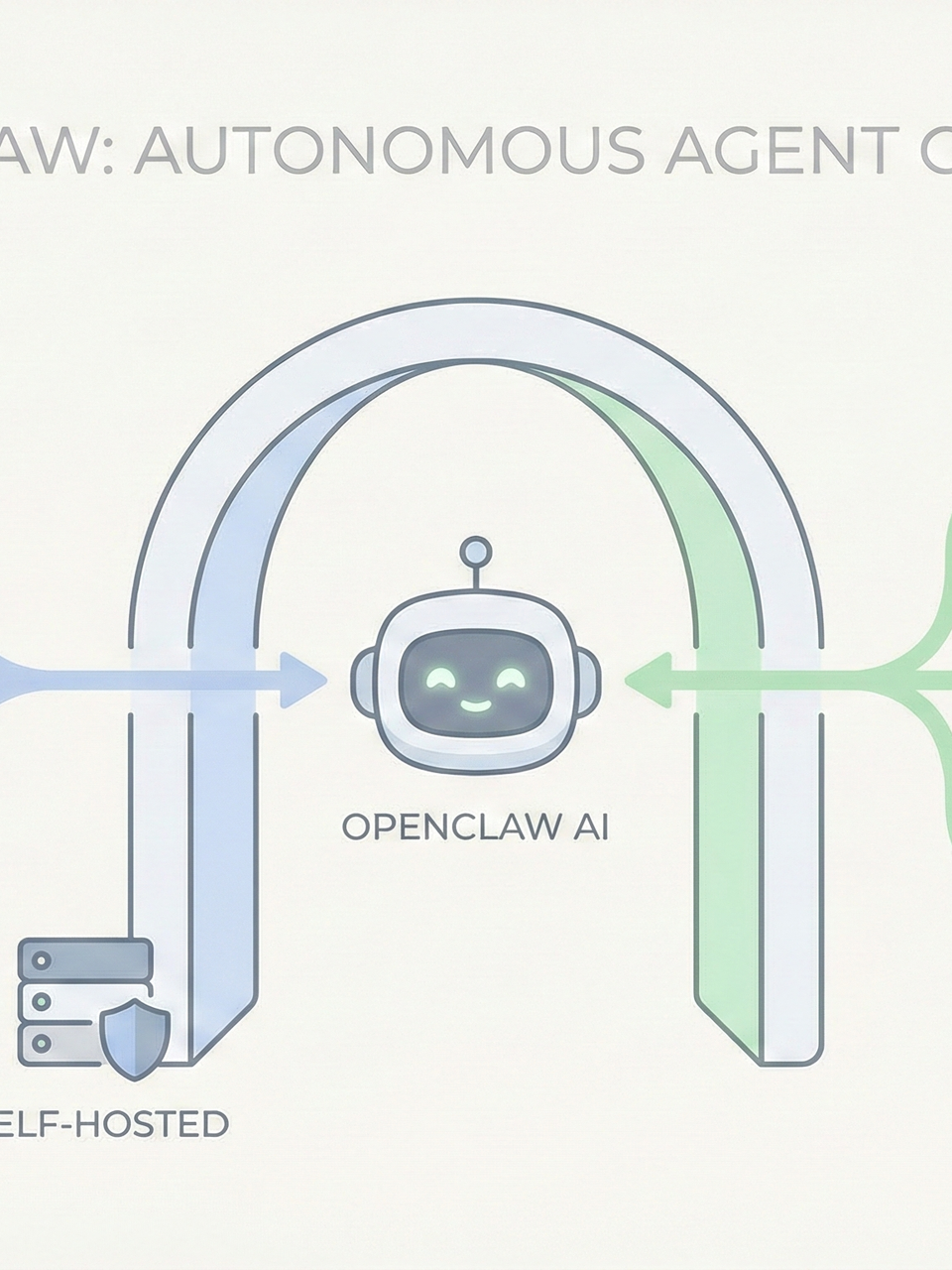
OpenClaw is a self-hosted messaging gateway and proactive autonomous agent that enables users to automate digital life through platforms like WhatsApp and Discord. It features persistent long-term memory, multi-agent management, and Docker-based sandboxing to ensure data remains under absolute user control while executing complex real-world tasks.
Key takeaway
OpenClaw is a proactive, self-hosted autonomous agent gateway designed for 24/7 digital life automation through messaging platforms like WhatsApp, Telegram, and Discord. It allows users to execute real-world tasks—such as email triage and smart home control—while maintaining absolute data sovereignty. By integrating advanced AI models with persistent memory, multi-agent personas, and custom skills, it offers a highly extensible ecosystem. The system mitigates significant security risks through Docker-based sandboxing and rigorous system audits.
OpenClaw: The Proactive Autonomous Agent Gateway
OpenClaw represents a significant leap in proactive autonomous agents, formerly recognized under the names Claudebot and Maltbot. It serves as a powerful runtime for hosting personal assistants that execute real-world tasks, including managing calendars, triaging emails, and controlling smart home devices directly through messaging applications such as Telegram and Discord. By utilizing this open-source project, users can create a persistent 24/7 AI operator that automates their digital life while maintaining absolute control over their data.
Prerequisites & System Requirements
To begin using OpenClaw, several prerequisites must be met:
Technical Experience: Users should have experience with a Command Line Interface (CLI) because it is the primary method for interaction.
AI Knowledge: Prior exposure to Large Language Models (LLMs) and API interactions is assumed, as the system manages context in a sophisticated way to accomplish various workflows.
Software: Regarding hardware and software requirements, the system requires a Node version greater than 22, with the current latest versions reaching version 25.
Core Architecture: The Gateway
The core of OpenClaw is its gateway, a single long-running process on the local machine that maintains persistent connections to different messaging platforms. Unlike Claude Code, OpenClaw is fully self-hosted and supports a wider range of native integrations including WhatsApp, Telegram, and Discord. This architecture allows the gateway to route incoming messages to specific agents for execution or manipulation.
Installation & Configuration
The installation process involves using the Node Package Manager (NPM) with a global flag (-g) to call OpenClaw from any terminal location.
-
Daemon Setup: Running the
onboardcommand with theinstall demonflag is essential, as it installs the gateway as a background service using launchd on macOS or systemd on Linux. This allows the gateway to start automatically on boot without requiring an open terminal. -
Manual Configuration: During setup, users select the gateway port, which is 18789 by default.
-
Networking: Options include loopback for local machines, LAN for multiple devices on the same network, and tail for remote servers via Tailscale.
-
Model Selection: While Anthropic models like Claude 4.5 Opus are highly recommended for their power and resistance to prompt injection, Google Flash 3 offers a free tier providing 20 requests per day. High-performance models are preferred because they are more resilient to malicious prompt manipulation schemes.
Workspace & Persistent Memory
The OpenClaw workspace is stored by default in the .openclaw directory within the user's home folder. This workspace contains several Markdown files that define the agent's persona and logic:
identity.md: Describes the agent's personality, such as Nova, the AI ambassador.
agents.md: The most critical file, as it provides the core working instructions.
heartbeat.md: Allows for periodic tasks, running every hour by default to check news or social media.
soul.md: Defines the essence of the agent.
user.md: Stores context about the human operator, including their name and time zone.
Note: This entire workspace can be managed as a Git repository, allowing users to sync their agent's characteristics across multiple devices.
Expanding Capabilities: Skills
OpenClaw's capabilities are expanded through skills, which are Markdown files containing YAML front matter and instructions for tools.
Preset Skills: Includes integrations for Obsidian, Apple Notes, Google Workspace, and email services like Himalaya.
Resource Impact: Activating a skill adds approximately 97 characters to the system prompt and consumes roughly 24 tokens per skill.
ClawHub: Users can install third-party skills via clawhub.com, though these should be treated as untrusted until reviewed.
Multi-Agent Functionality
The multi-agent functionality allows for the creation of different personas with unique permissions and workspaces. For example, a user can maintain a work agent with specific Slack and email access, and a separate main agent for personal tasks. Switching between these agents is done within the Terminal User Interface (TUI) using the /agents command.
Security & Sandboxing
Security remains a primary focus because OpenClaw grants agents root access to the local file system.
Auditing: To mitigate risks such as prompt injection, users can run the openclaw security-audit deep command to identify vulnerabilities.
Health Checks: The openclaw doctor tool performs health checks and provides fixes for the gateway process.
Sandboxing with Docker
Sandboxing offers a robust security layer using Docker containers to isolate the host system.
Modes: There are three sandbox modes: none, non-main, and all.
Scope: The sandbox scope can be defined at the session, agent, or shared level.
Limitations: While sandboxing prevents an agent from accessing files outside its container, users must be aware that
elevated execution modes can still bypass the sandbox to run commands on the host machine.
Messaging Channel Integration
Connecting to messaging channels requires specific setup steps:
WhatsApp: Requires the openclaw channels login command followed by scanning a QR code.
Discord: Users must create an application, enable message content intents, and provide a bot token and guild ID.
Warning: It is highly recommended to use a dedicated phone number for the bot and to avoid placing it in group chats, where unauthorized users could attempt to execute malicious code on your host computer. Through these meticulous configurations, OpenClaw provides a secure, self-hosted environment for comprehensive digital automation.
Frequently Asked Questions
QHow to Set Up and Use OpenClaw
Please read the article carefully. If you have any questions, please contact [email protected].
Audio synthesized by Entity-Echo AI Agent